

It’s taken Valve a while to get there but they’ve new added the new Steam Chat into Steam’s Big Picture Mode.
One thing to note, is that for the new key-binds to actually work on the Steam Controller, I had to go into Steam’s settings and re-select the official Steam Controller config. Do this by going into Big Picture Mode > Settings > Base Configurations > Big Picture configuration and then simply select the official one again and apply it. I’ve opened an issue on the Valve GitHub for it.
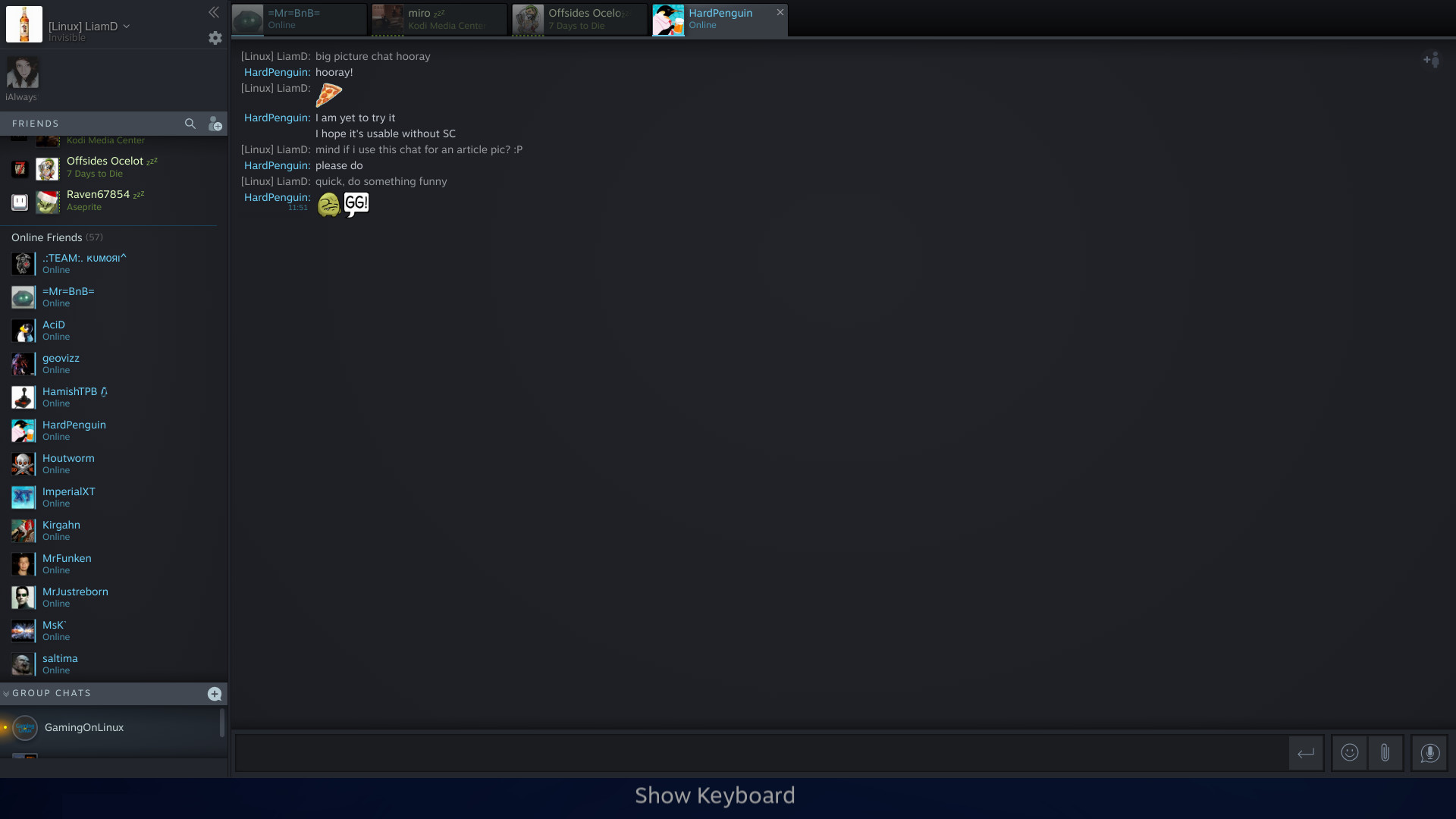
Once I did that, it worked better, although not exactly as they describe. The D-pad binds don’t seem to work correctly, you’re supposed to be able to do a long press on the D-pad or the stick for certain actions. This works for the stick, but the D-pad always picks up like you’re pressing Left to open/close the actual friends list. On top of that, it was basically unusable with a Logitech F310. The Steam Chat system is still new to Big Picture, so there will be teething issues.
This should mean that SteamOS itself will now have the new Steam Chat too, for those of you using it. Even so, it’s a shame they basically shoehorned the existing UI into Big Picture Mode without making it work any better.
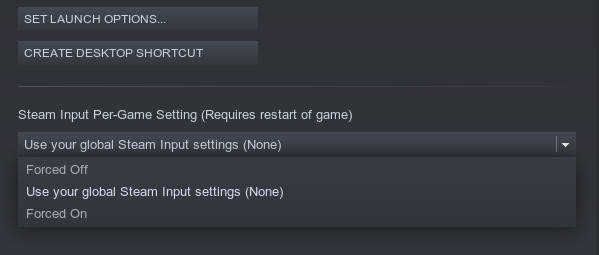
Another Steam Input change, is now having per-game settings into the desktop client’s game properties:
See here for the full details, including key-binds.